The to-do app you share with your AI agentGet more done.
With your agent.
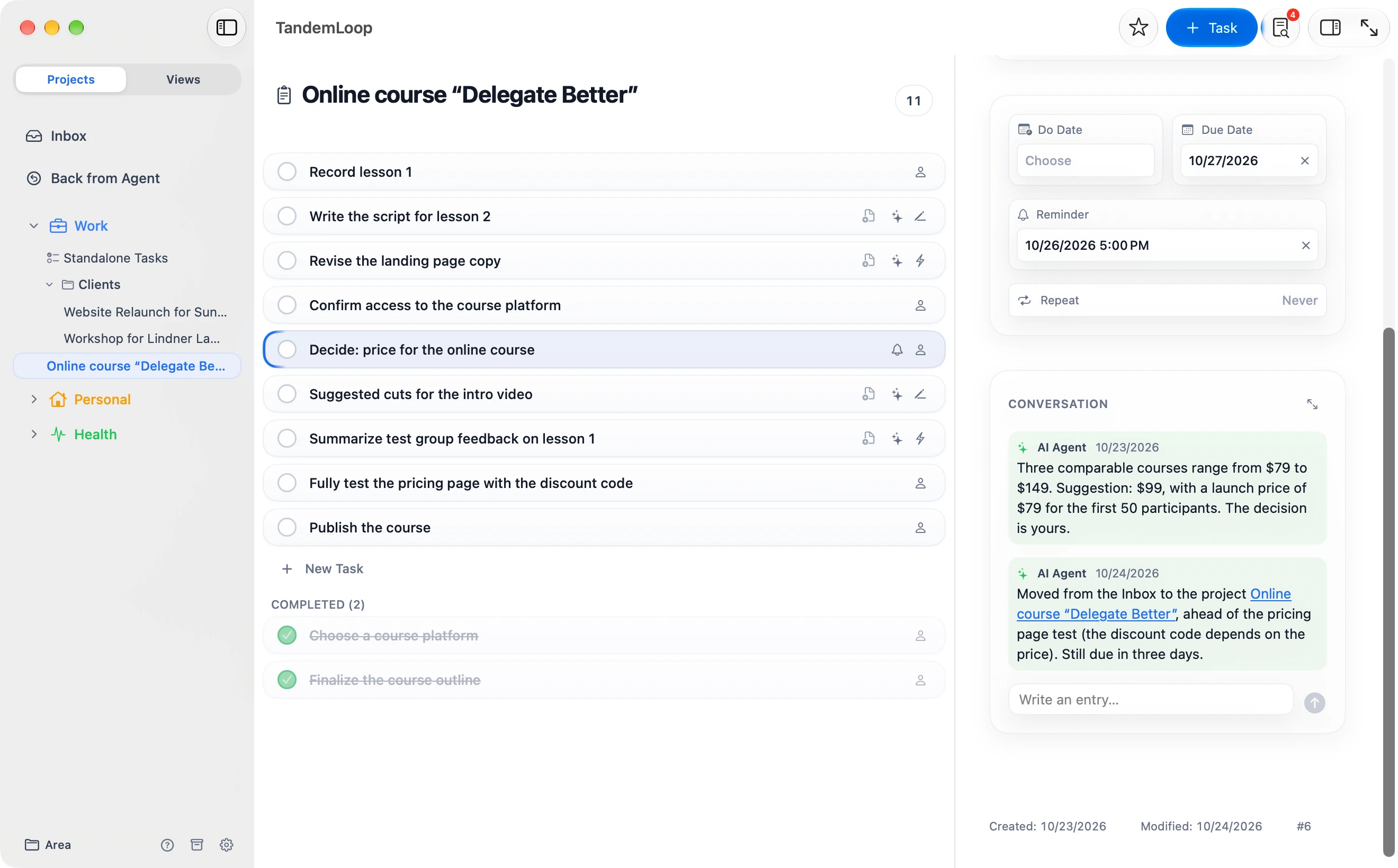
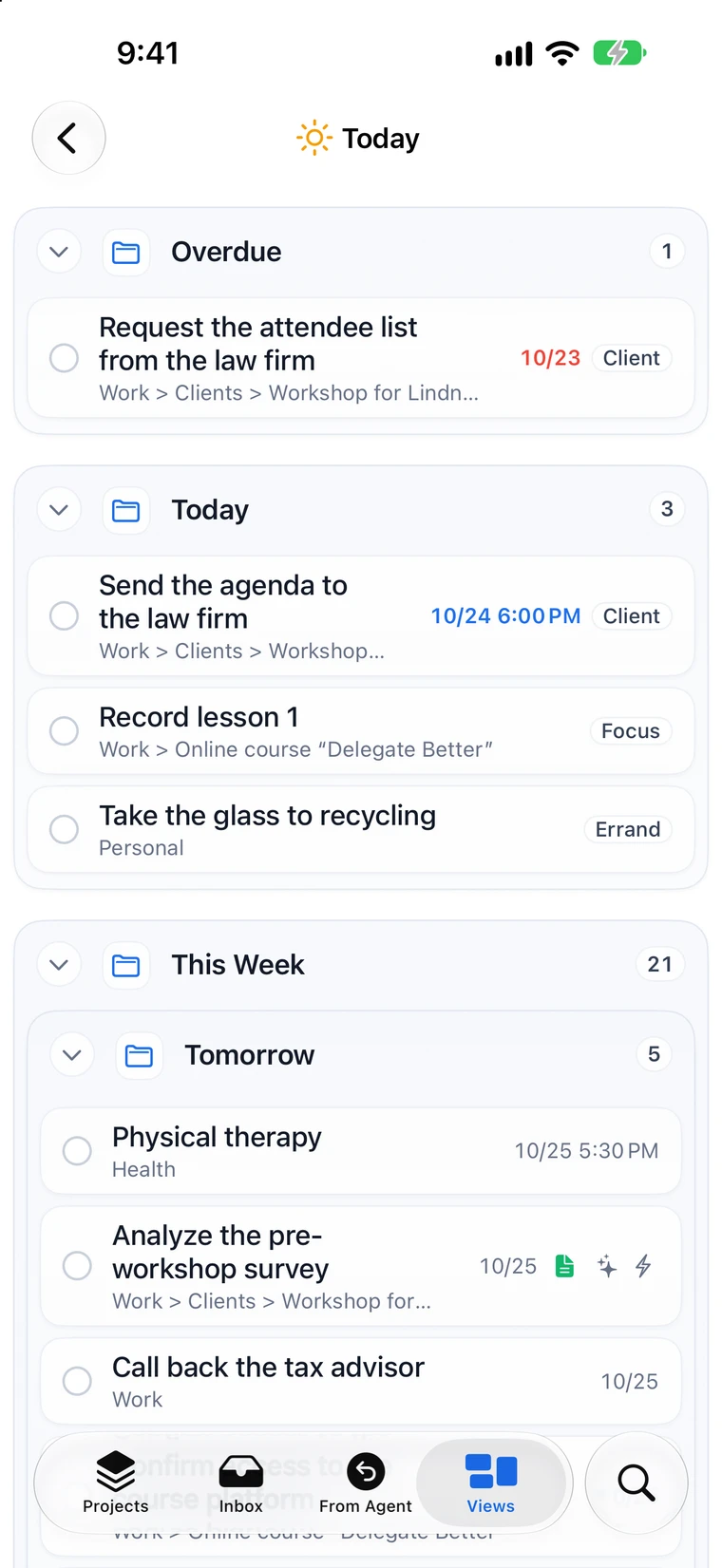
TandemLoop is a to-do list app for Mac, iPad, and iPhone. You and your agent work in the same projects and tasks — you in the app, your agent directly in the files on your Mac.
To-do app
A flexible to-do app for Mac, iPad, and iPhone.
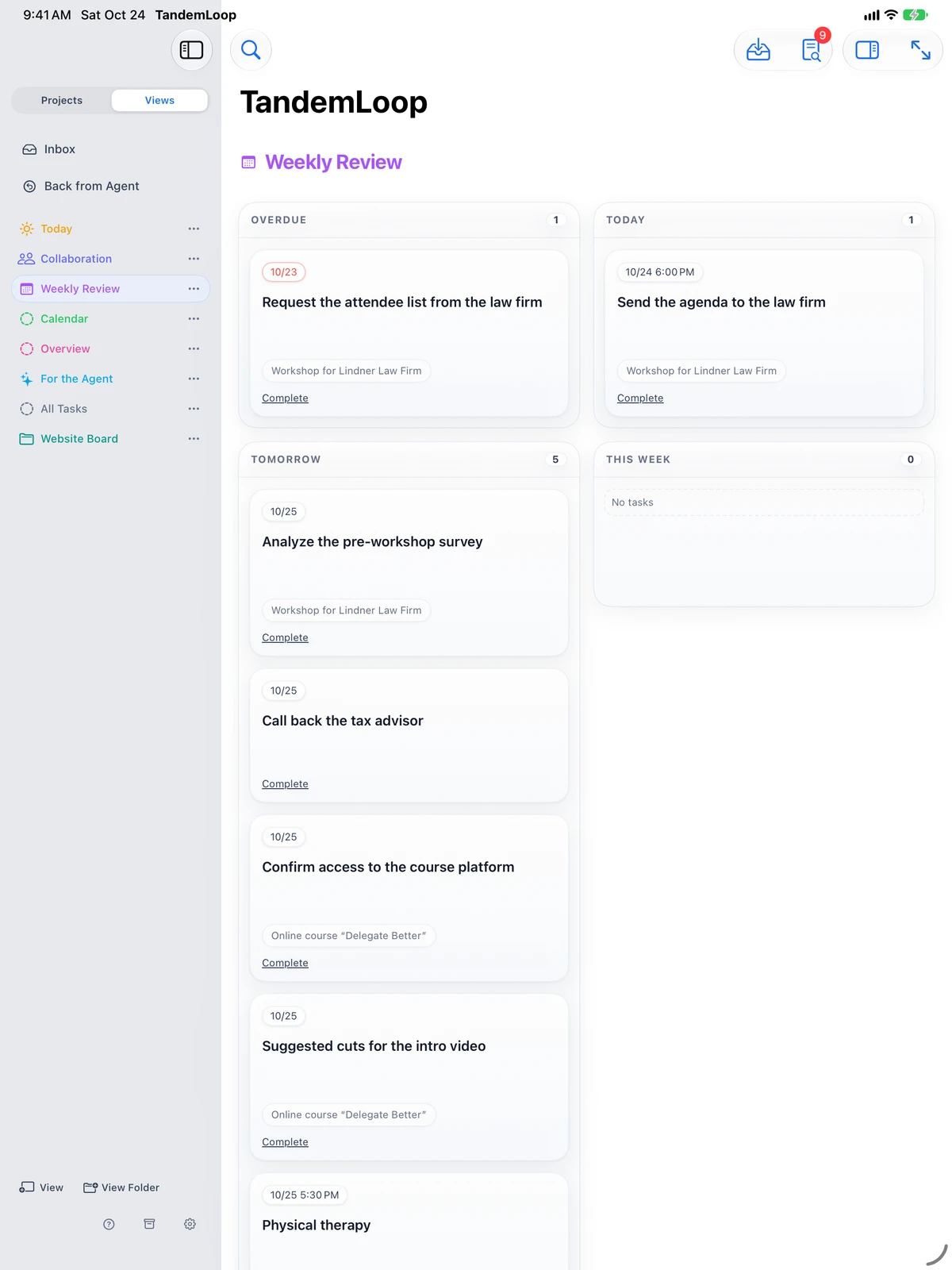
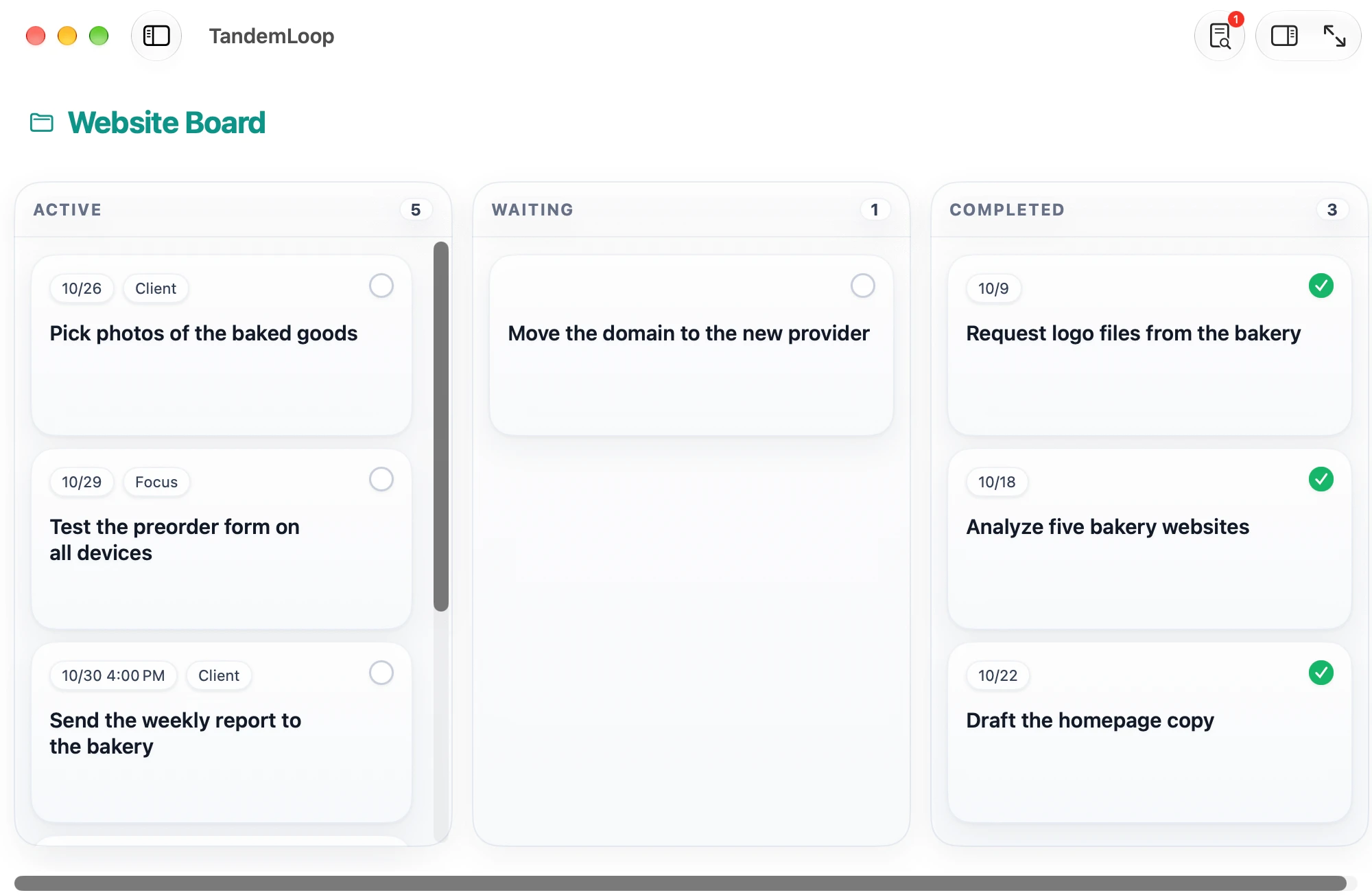
Organize your tasks in areas, projects, and milestones, and build the views you want to work with — GTD style, as a kanban board, or your own way.
iCloud keeps all your devices in sync: what you capture on your iPhone on the go is already in the Inbox on your Mac.
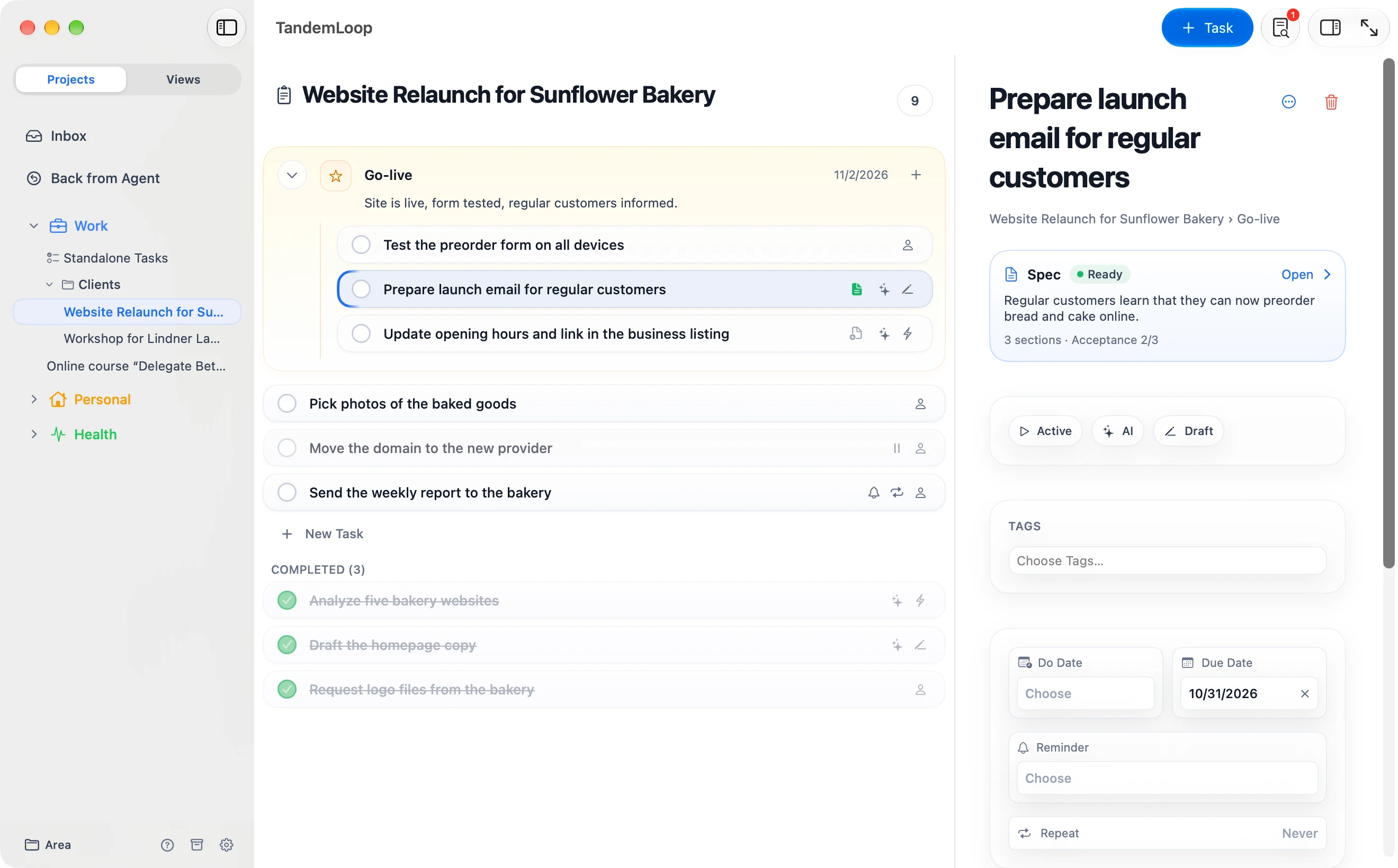
Structure
Dates
Recurring
Capture anywhere
Widgets and notifications
Keyboard first
Views
See what matters right now.
Working with AI
You tell your agent. It shows up in your app.
Do my weekly review for this week.
Reading this week’s completed and open tasks …
14 completed · 3 overdue · 2 projects without a next action
✓ Attached the summary to “Weekly review, week 43”
→ Created for you: Set the next action for “Moving”
Weekly Review
View · all areas
With the agent you already use
- Claude CodeTerminal and editor
- Claude CoworkDesktop app
- CodexTerminal and app
- CursorEditor
- Gemini CLITerminal
- Google AntigravityDevelopment environment
All names and logos belong to their respective owners. TandemLoop is not affiliated with any of these providers.
Your data
Your tasks belong to you.
Confirm access to the course platform
To upload the lessons, the course platform needs a verified account. Verification only works with your email address and your phone.
---
title: Confirm access to the course platform
status: active
assigned_to: human
created_by: ai
due_date: 2026-10-21
---

To upload the lessons, the course platform needs a verified account. Verification only works with your email address and your phone.- No account
- No server of our own
- No data collection
Subscription
One subscription for all your devices.
Monthly
€4.99 / month
Cancel any month
Annual
about 16% less€49.99 / year
Works out to €4.17 a month
- 1 month free
- Mac, iPad, and iPhone
- Family Sharing
- All features
FAQ
Frequently asked questions
Which to-do app is the best?
That depends on how you work. For shopping lists and simple reminders, what’s already on your iPhone is often enough. TandemLoop fits when you need projects, dates, and your own views — and especially when you want an AI agent to work on your tasks with you.
How is TandemLoop different from Apple Reminders?
Reminders is a list app. TandemLoop is built for project work: areas, projects with milestones, sequential projects with a next action, defer dates, Waiting For, and seven view types. Your tasks are also stored as Markdown files that an AI agent can work with.
Which AI agents work with TandemLoop?
Any agent that can access a folder on your Mac and read and write files there — for example, Claude Code, Claude Cowork, Codex, Cursor, Gemini CLI, or Google Antigravity. Chat interfaces in the browser can’t access your files, so they can’t work with TandemLoop.
How does my AI agent see my tasks?
You give it your data folder as its working directory and ask it to read the AGENTS.md file first. That file explains how TandemLoop is structured and how the agent works with it. On Mac, the Agent Tutorial walks you through connecting your agent.
Does the agent also work on iPhone and iPad?
Agents work on your Mac with the files in your data folder. On iPhone and iPad, you capture, plan, and hand off tasks; whatever your agent has completed shows up there through iCloud.
Where is my data stored?
In your data folder, a regular folder of Markdown files. To keep your Mac, iPad, and iPhone in sync, it lives in iCloud Drive; other cloud services aren’t supported. TandemLoop has no built-in AI and doesn’t send your data to any server.
How much does TandemLoop cost, and is there a free trial?
You subscribe in the App Store, and the first month is free. If you cancel before it ends, you pay nothing; otherwise your subscription renews at €4.99 per month or €49.99 per year. Prices in other currencies are shown in the App Store. If your agent costs money, you pay its provider separately.
The to-do app for the agentic era